MOI Qatar Visa Status Check by Passport and QID Number. Moving to Qatar for work or visiting family? One of the most important things you’ll need to do is check your visa status regularly. The Ministry of Interior (MOI) Qatar has made this process incredibly simple through their online portal. Whether you’re waiting for approval, tracking your application, or verifying your residency permit details, this guide will walk you through everything you need to know.
Understanding Qatar’s Visa System
Qatar has become one of the most popular destinations in the Middle East for professionals, families, and tourists. The country’s immigration system is managed by the Ministry of Interior, which oversees all entry permits, residence permits, and related services. Every expatriate living in Qatar needs proper documentation, and keeping track of your status is essential for legal residency.
The MOI portal serves as your one-stop solution for checking visa applications, residence permit renewals, and other immigration-related matters. You can access this service from anywhere in the world, making it convenient for people who are still in their home countries waiting for approval.
What You’ll Need Before Starting
Before you begin checking your status, gather the necessary information. You’ll typically need one of the following:
Your passport number is the most common method for checking visa status. This is especially useful when you’re applying from abroad and don’t yet have a Qatar ID. Make sure you have your passport handy with the exact number as it appears on the document.
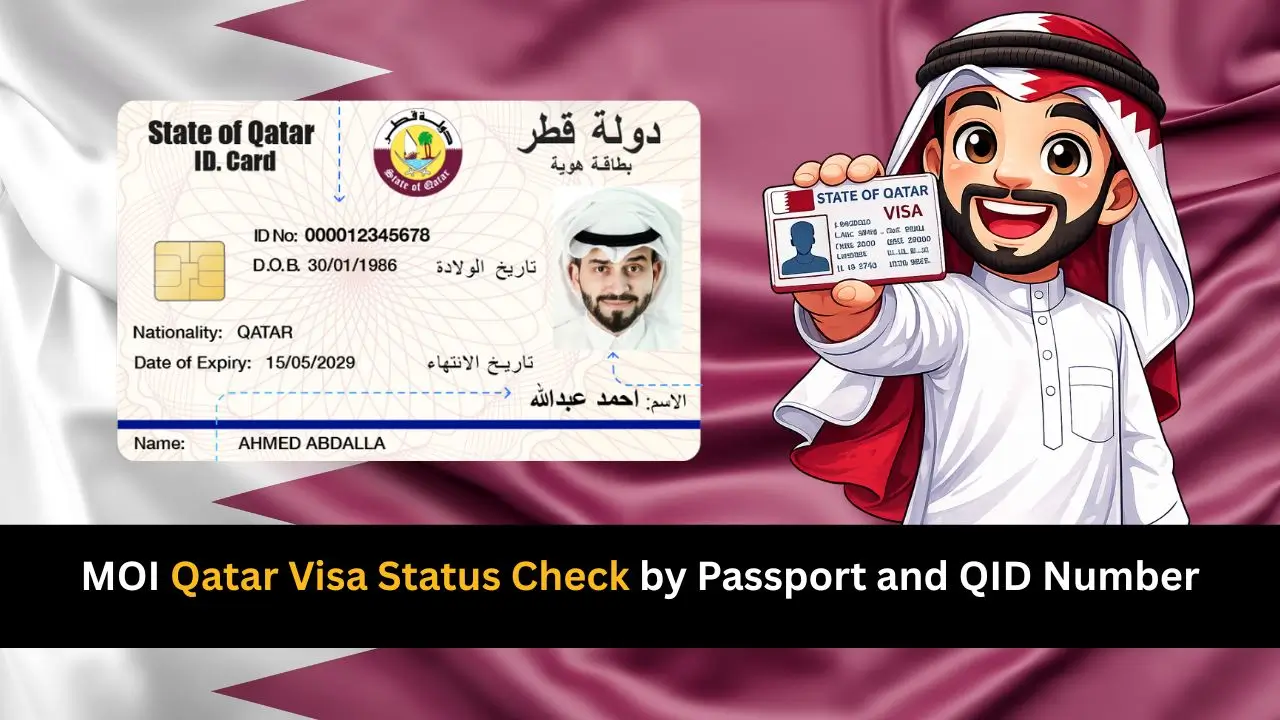
If you’re already in Qatar or have received your residence permit, you can use your QID number (Qatar ID number). This 11-digit number is found on your residence permit card and serves as your primary identification within the country.
Step-by-Step Guide to Check Your Status Online
The MOI Qatar website offers a straightforward process that takes just a few minutes. Here’s how to check your visa status using either your passport or QID number:
Visit the Official Portal
Open your web browser and go to the MOI Qatar official website. Look for the “Services” section, where you’ll find various options related to visas and immigration. The portal is available in both Arabic and English, so select your preferred language for easier navigation.
Select the Visa Inquiry Option
Once you’re on the services page, locate the visa inquiry or visa status check option. This service allows you to track applications for work visas, family residence permits, visit visas, and other entry permits. Click on the appropriate link to proceed.
Enter Your Details
You’ll see a form asking for your information. If you’re checking with your passport number, select that option and enter the number exactly as it appears on your passport. Include your passport’s country of issue as well. If you’re using your QID number, choose that option instead and enter all 11 digits carefully.
Submit and View Results
After entering your details, click the submit or search button. The system will process your request and display your current visa status within seconds. You’ll see information about your application status, validity dates, and other relevant details.
Understanding Your Visa Status Results
When you check your status, you might see different messages depending on where your application stands in the process:
- Under Process means your application has been submitted and is being reviewed by the relevant authorities. This typically takes a few days to a few weeks, depending on the type of visa and current processing times.
- Approved indicates that your visa has been granted. You’ll see the approval date and validity period. If you’re outside Qatar, this means you can proceed with travel arrangements. Make sure to print or save a copy of the approval for your records.
- Ready for Collection means your residence permit card is prepared and waiting at the designated collection center. You’ll need to visit the specified location with the required documents to pick up your QID card.
- Rejected unfortunately means your application wasn’t approved. The system may or may not provide specific reasons. If your visa is rejected, you can contact the MOI helpline or your sponsor to understand the reasons and explore alternative options.
Using the MOI Qatar Mobile App
For even greater convenience, the MOI has developed a mobile application called “Metrash2” that brings all their services to your smartphone. This app is available for both Android and iOS devices and offers the same visa checking functionality.
After downloading the app, create an account using your mobile number. Once registered, you can access visa services, check status updates, and even receive notifications about your application progress. The app also allows you to pay fees, book appointments, and access other government services all in one place.
Common Situations and How to Handle Them
Waiting for a Work Visa
If you’ve been offered a job in Qatar, your employer (sponsor) will apply for your work visa. You can track this application using your passport number. Processing times vary, but most work visas are processed within 5-10 business days for straightforward cases.
Family Residence Permit Applications
Qatar residents can sponsor family members for residence permits. If you’re waiting for approval to bring your spouse or children, you can check the status using their passport numbers. Family visas may take slightly longer to process as they require additional documentation verification.
Visa Renewal Status
Residence permits in Qatar need renewal before expiry. If you’ve submitted your renewal application, you can track its progress the same way. It’s advisable to start the renewal process at least one month before your current permit expires to avoid any complications.
What to Do If You Encounter Problems
Sometimes you might face issues when checking your status. Here are solutions to common problems:
If the system shows “No Records Found,” double-check that you’ve entered your passport or QID number correctly. Even a single digit error will prevent the system from finding your information. Also verify that you’ve selected the correct country for your passport.
For technical issues with the website, try clearing your browser cache or using a different browser. The portal works best with updated versions of Chrome, Safari, or Firefox.
If your application has been under process for an unusually long time (more than three weeks for standard applications), consider contacting the MOI helpline or asking your sponsor to follow up on your behalf.
Additional Tips for a Smooth Experience
Always keep a copy of your visa approval or status check results. This can be helpful when dealing with airlines, hotels, or other authorities who might need proof of your legal status.
Check your status regularly, especially as your travel date approaches. Immigration policies and processing times can change, so staying informed helps you plan better.
If you’re applying through a sponsor (employer or family member), maintain regular communication with them. They often have access to additional information about your application and can help resolve issues more quickly.
Important Reminders
The MOI Qatar portal is the only official source for checking visa status. Be cautious of third-party websites claiming to offer visa checking services, as they may not be reliable or secure with your personal information.
Your visa status is linked to your sponsor’s compliance with Qatar’s labor and immigration laws. If your sponsor faces legal issues or doesn’t fulfill their obligations, it could affect your visa status.
Always ensure that your passport has at least six months of validity remaining when applying for or renewing visas. This is a standard requirement for most countries, including Qatar.
Conclusion
Checking your MOI Qatar visa status by passport or QID number is a simple process that keeps you informed about your immigration status. Whether you’re eagerly awaiting approval to start your new job, bringing your family to join you, or simply renewing your existing permit, the online portal and mobile app make the entire process transparent and accessible.
